Time and money
Three things at once

Three timers at once
A call, revisions and layout run in parallel — the time sorts itself into projects.
A rate of its own for the project
Hourly, fixed or both at once. You can see what an hour costs and what the project brought in.
An invoice from the hours you worked
Hours turn into invoice lines. There is no need to move time into a spreadsheet.
Earnings counter
While the timer runs, the header shows how much you have earned today.
Team and roles
Everyone has their own timer and their own rate. The owner sees everything, an employee only their own.
Weekly analytics
Where the time went, which projects are in the black, where you slipped.
A page for your client
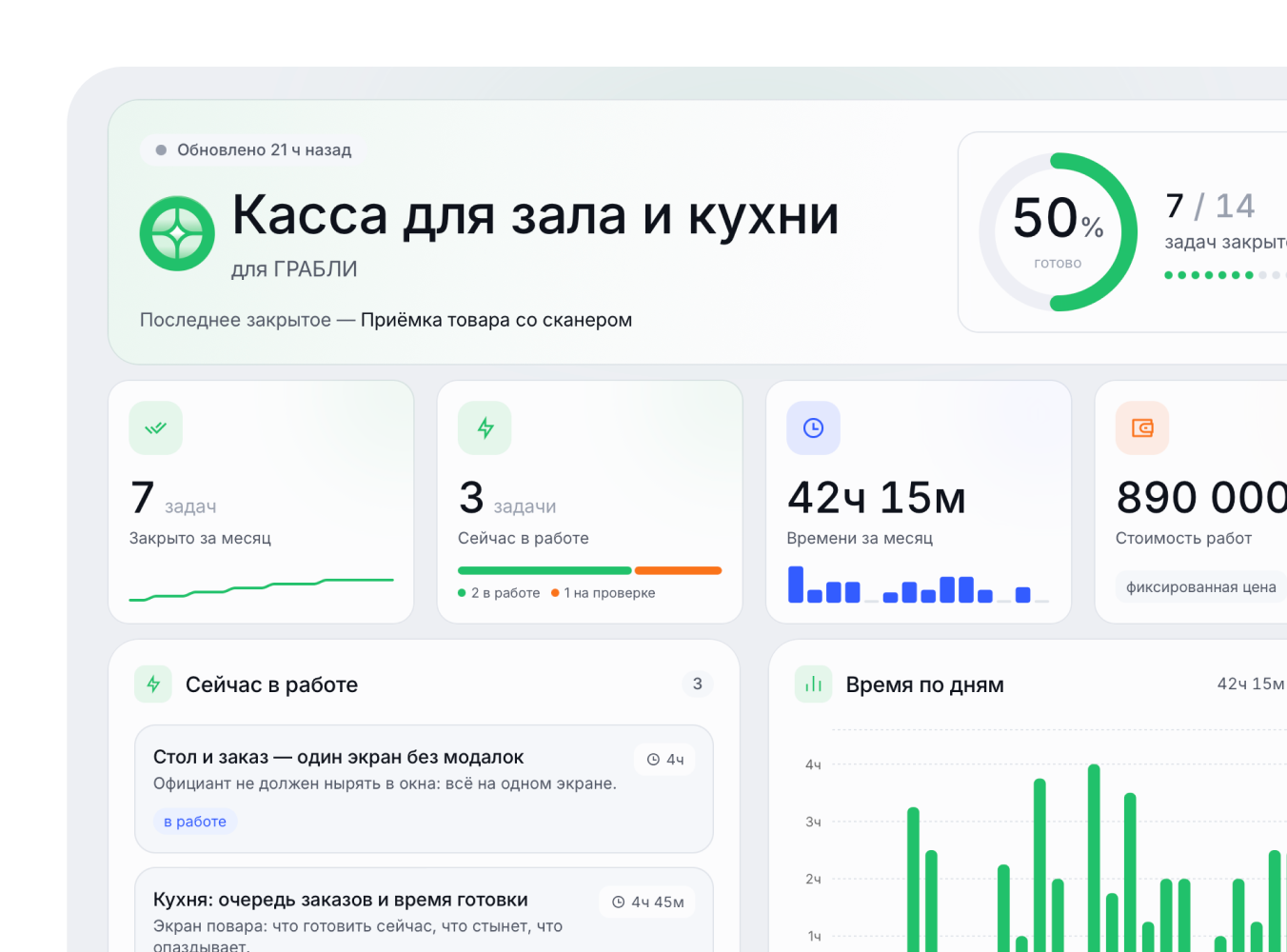
The client page is optional,
not a mode you have to use.
No sign-up
Your client needs no account: a link, plus a short code if you want to close access.
Hours and tasks
Your client sees how much time went in and what is in progress now.
Revisions and feedback
Comments gather in one place and turn into tasks.
Works without the internet
The app lives on your Mac. The only thing that goes to the cloud is what you opened to your client.
The data stays with you
Everything is stored locally. Nothing leaves for someone else’s cloud without your say-so.
Weekly analytics
Where the time went, which projects are in the black, where you slipped.
No need to remember the call
A short summary is left after the call
and ready tasks.
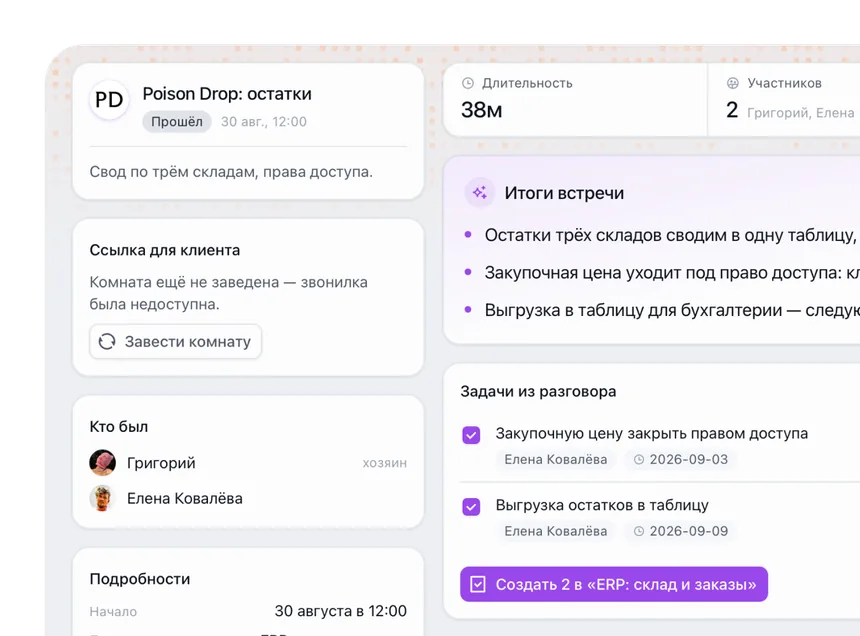
A call in the app window
No separate calling app to install — the room opens right inside the app window.
What we agreed on
The summary writes itself: decisions, agreements and who does what next.
Tasks appear by themselves
Tasks from the conversation land in the project — nothing to carry by hand.
A report to Telegram
Day and week summaries arrive where you already sit.
A link for your client
The call summary can go straight to your client on their page.
Nothing gets lost
Every conversation and decision about the project sits in one place, not in a chat thread.